AUTODESK AUTOCAD 2026
£82.89
DISCOUNT -20% - use the code SATWEEK valid without minimum order


 Immediate digital delivery
Original license
Satisfaction guaranteed or refunded within 30 days
Simple activation
Installation guide included
24/7 support including WhatsApp
Reusable in case of formatting
Multilingual
Updates included where applicable
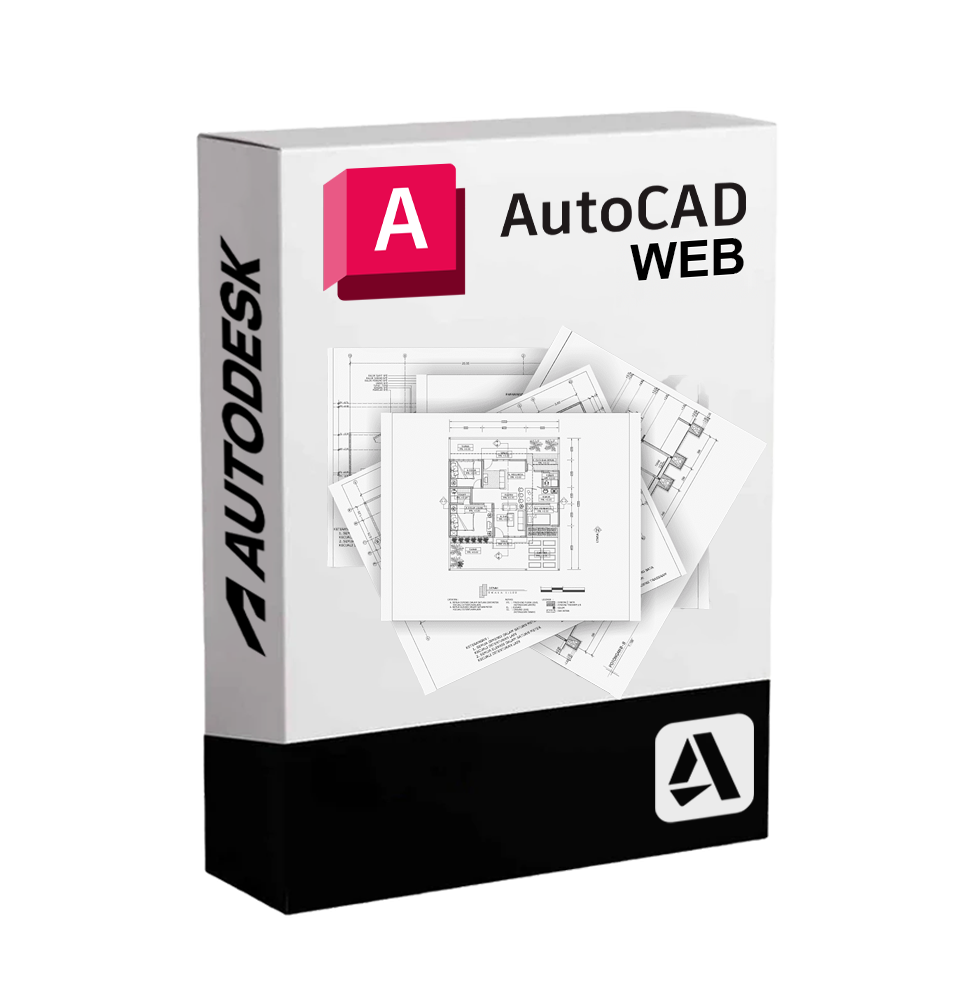
Autodesk AutoCAD Web It is the online and simplified version of the famous AutoCAD software, designed to offer essential drawing and DWG editing tools directly from the browser, without the need to install anything on the computer. Thanks to its immediate accessibility, AutoCAD Web allows professionals and technical teams to view, edit, comment on, and share CAD drawings in real-time wherever they are, making it an indispensable tool for those working on the move or in collaborative environments.
🎯 Who is it suitable for
AutoCAD Web is designed for:
• Architects, engineers and designers that need to access their DWG drawings in the field or during technical meetings.
• Technicians and site managers that need to carry out checks, measurements or annotations directly on site.
• External collaborators who work in distributed teams and need to access or comment on drawings without desktop software.
• Students and trainers who are looking for a lean solution for exercises and quick reviews.
🧩 Main Features
🌐 Access from browser without installation
AutoCAD Web works on any modern browser (Google Chrome, Mozilla Firefox, Safari, Microsoft Edge), allowing you to open and edit DWG files anywhere and at any time.
📁 Viewing and editing of DWG files
Users can open DWG files from cloud storage (OneDrive, Google Drive, Dropbox, Autodesk Docs) or upload them locally, modifying geometries, texts, layers and dimensions with familiar CAD tools.
✏️ Essential drawing tools
AutoCAD Web offers the fundamental commands for 2D drawing and editing:
• Line, circle, arc, rectangle
• Move, copy, rotate, scale
• Trim, extend, offset
• Insertion and modification of texts and quotes
• Layer management and object properties
💬 Real-time comments and collaborations
Possibility to insert comments, revisions and notes to facilitate communication among team members. Comments are saved in the DWG file and visible to all collaborators.
🔍 Analysis and inspection tools
• Precise measurement of distances, angles and areas
• Smooth zoom and pan tool for exploring the drawing
• Control of layer visibility for clear project navigation
🧠 Intuitive and optimized interface
The work environment is designed to be fast and accessible even for those who are not experts in AutoCAD, but need to work on a drawing.
💻 System Compatibility and Requirements
🖥️ Compatible operating systems:
Being browser-based, AutoCAD Web is compatible with all major operating systems:
• Windows 10 / 11
• macOS (all modern versions)
• ChromeOS
• Linux (with compatible browser)
📱 It is also accessible from tablets and mobile devices, although the experience is optimal on medium/large screens.
🌐 Minimum requirements:
• Stable Internet connection (mandatory for use)
• Updated modern browser (full support for Chrome, Firefox, Safari, Edge)
• Recommended resolution: 1280 x 800 or higher
🧰 What is included in AutoCAD Web
• Online work environment dedicated to 2D drawing
• Full compatibility with DWG files
• Basic editing functionality
• Access to drawings from cloud (Google Drive, Dropbox, OneDrive, Autodesk Docs)
• Real-time comments and collaboration
• Measurement and inspection tools
• Lightweight, fast, and responsive interface
• Immediate access from any workstation, even without AutoCAD software installed.
✨ Why choose AutoCAD Web
AutoCAD Web represents the flexibility and efficiency of CAD design in a modern and agile environment. Perfect for quick consultations, field revisions, and collaboration between distributed teams, it allows you to remain productive even away from the desk.
Thanks to full compatibility with DWG files and the ability to work from any connected device, AutoCAD Web is the ideal tool to integrate the workflow of those who use traditional AutoCAD, bringing the CAD experience into the cloud, always accessible and ready to use.
10 other products in the same category: