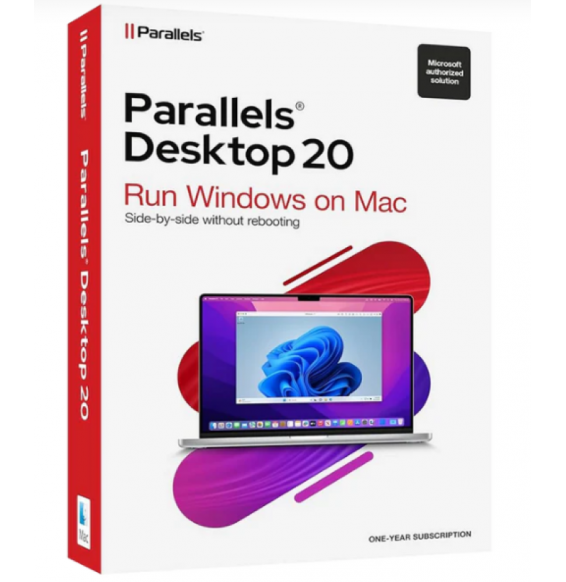
PARALLELS DESKTOP 20 STANDARD (MAC)
€89.00
DISCOUNT -20% - use the code SATWEEK valid without minimum order




 Immediate Digital Delivery
Original License
Satisfaction or Money Back Within 30 Days
Easy Activation
Installation Guide Included
24/7 Support, Including on WhatsApp
Reusable in Case of Formatting
Multilingual
Updates Included Where Applicable
AUTODESK INVENTOR 2024
In this new release, Autodesk takes the section tool to a higher level by allowing its management and modification after creation. The same command has been enriched by adding a mini-toolbar that can be displayed and used both during creation and modification of the section.
Once the section is created, it's enough to add a View Representation that will store its contents. The same View Representation can then be modified using Section View -> Edit, visible in the context menu. This action will indeed bring up the mini-toolbar that allows access to modification tools, including the ability to rotate the section in real-time.
What's new in Autodesk Inventor 2024
- Part and sheet metal modeling
The sheet metal environment has been improved to intercept closed areas in the presence of overlapping lines. With this new release, it is no longer necessary to trim overlapping sketch lines in order to identify a unique closed profile. Thanks to the improvements made, Inventor can now identify different closed areas, allowing the choice of one of these to generate the first sheet metal.
- Marking processing
The ability to choose the projection direction and perform the projection of geometries and texts on non-coplanar surfaces has been added. Using the Projection solution, the sketch content is projected according to the normal of a surface, while selecting the Envelope solution, the sketch content is "spread" on the non-coplanar surface. The example below shows how the sketch treated with the Envelope solution is "deformed" on the clearly non-coplanar surface.
- Finishing work
Non-existent until this release, Finishing processing has been introduced to handle not only the appearance of parts, components, and assemblies, but also the productivity process such as coating a material, or the surface finish. All applied finishes are incorporated into a new folder within the browser, and each of these can be suppressed, renamed, deleted, or reordered in terms of succession before or after another simply by dragging operation.
This operation has also been made usable in contexts subsequent to the modeling phase: the contents of the Finish folder are reusable as iProperties in the drawing environment (2D). A new category called Parameters - Finish has indeed been added to the Note with leader and Format text dialog boxes to allow the use of finishes added in the 3D environment, even in the 2D drawing. But not only: each finishing processing setting has a parameter with a unique name corresponding to the Finish Parameters category within the Parameters window. Parameters that, together with the new Unit type Brinell (HB), Rockwell (HRA - HRB - HRC), Vickers (HV), and Knoop (HK), can be exported.
In Autodesk Inventor 2024, there are also included updates and improvements suggested by users, which allow to speed up design workflows, reduce repetitive operations and improve experiences, so that you can dedicate more time to design and innovation.
This is an Educational Version product
System requirements for Autodesk® Inventor® 2024 (Windows)
Operating system Microsoft® Windows® 11 and Windows 10 64-bit.
CPU Recommended: at least 3 GHz, at least 4 cores
Minimum requirement: at least 2.5 GHz
Memory Recommended: at least 32 GB of RAM
Minimum requirement: 16 GB of RAM for assemblies with less than 500 parts
Disk space Installer and full installation: 40 GB
Graphics Recommended: 4 GB GPU with 106 GB/S bandwidth and DirectX 11 compatible
Minimum requirement: 1 GB GPU with 29 GB/S bandwidth and DirectX 11 compatible
Screen resolution Recommended: 3840 x 2160 (4K); preferred scaling: 100%, 125%, 150% or 200%
Minimum requirement: 1280 x 1024
Pointing device MS Mouse compatible
3DConnexion SpaceMouse® productivity, driver version 10.7.0 or later.
Memory Recommended: At least 64 GB of RAM
Graphics Recommended:
4 GB GPU with 106 GB/S bandwidth and DirectX 11 compatible
10 other products in the same category: