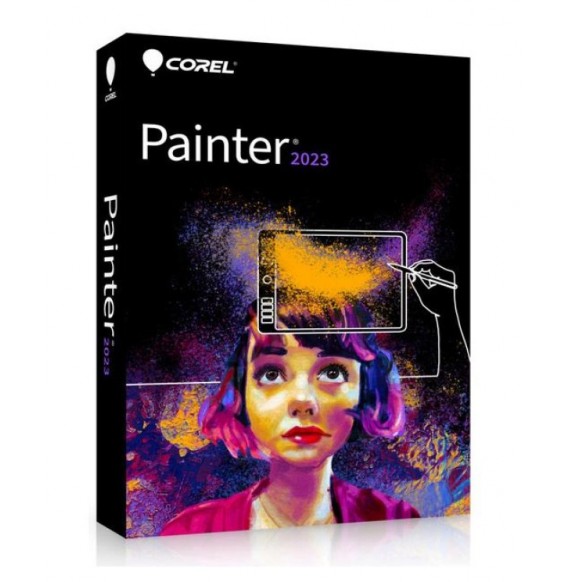
COREL PAINTER 2023 (Windows - Mac)
€59.00



 Immediate Digital Delivery
Original License
Satisfaction or Money Back Within 30 Days
Easy Activation
Installation Guide Included
24/7 Support, Including on WhatsApp
Reusable in Case of Formatting
Multilingual
Updates Included Where Applicable
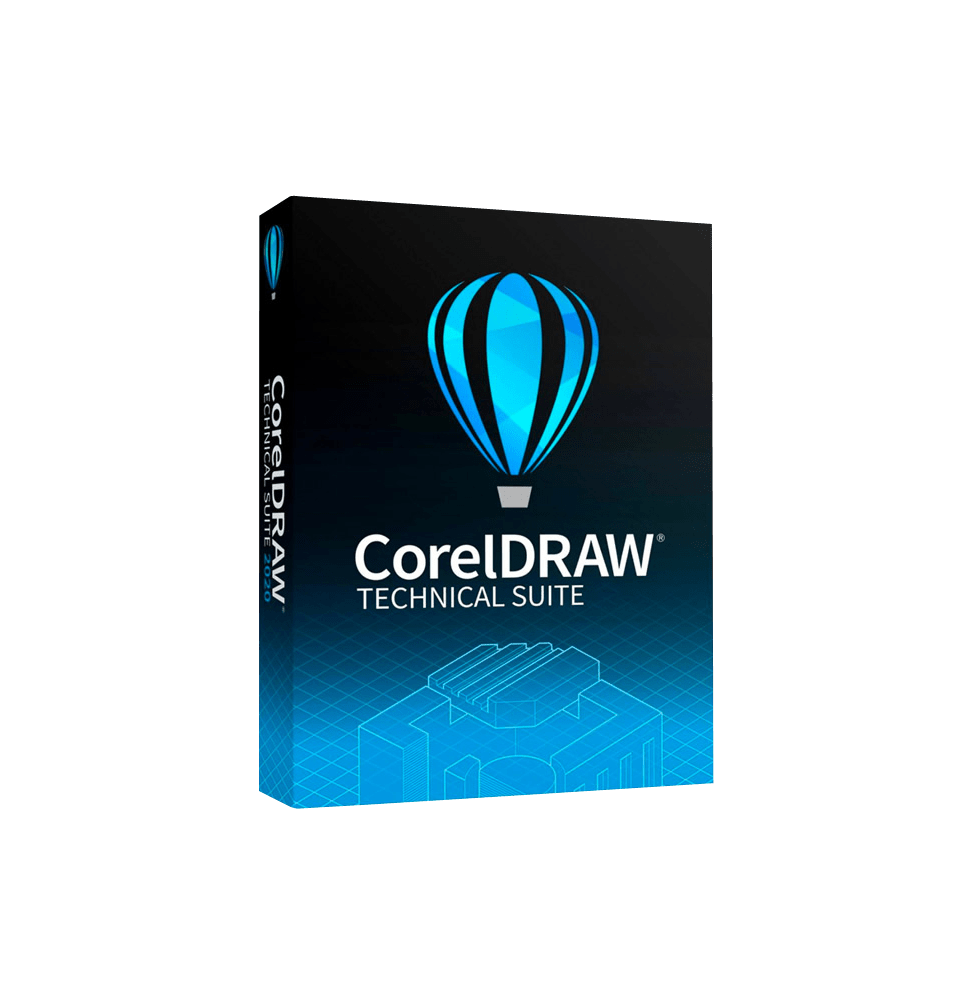
CorelDRAW Technical Suite 2026 is an advanced professional suite designed for the creation of technical illustrations, engineering documentation, and industrial visual communication. It is a complete solution designed for manufacturing companies, engineers, technical designers, and documentation professionals who require precise tools to transform complex data into clear and professional visual content.
Unlike traditional graphic suites, this solution is optimized for the production of technical manuals, schematics, diagrams, CAD illustrations, and industrial documentation, combining vector graphics tools, image editing, and technical content management.
Components included in the suite
CorelDRAW Technical Suite 2026 includes several professionally integrated tools:
Corel DESIGNER: Main software for creating precise technical illustrations, designed to work with CAD files and complex technical data.
CorelDRAW: Advanced vector graphics environment for creating layouts, illustrations, and professional graphic content.
Corel PHOTO-PAINT: Tool for editing raster images and photographic manipulation.
XVl Studio Corel Edition: Module dedicated to the management and display of 3D models, useful for creating technical illustrations from CAD data.
Corel Font Manager: System for managing and organizing the fonts used in projects.
Corel CAPTURE (Windows): Tool for capturing screenshots and visual content.
This combination allows for covering the entire technical workflow, from design to final documentation.
Main features
The suite offers advanced tools specific to technical communication:
Precision technical illustration: Allows the creation of detailed technical drawings with advanced control over lines, dimensions, symbols, and industrial standards.
Import and manage CAD data: Support for files from CAD and 3D software, with the possibility of transforming them into detailed 2D illustrations.
3D visualization and manipulation: Conversion of 3D models into exploded technical views, sections, and diagrams, facilitating the understanding of complex components.
Technical documentation creation: Tools dedicated to the production of manuals, guides, technical catalogs, and industrial documents.
Advanced vector graphics: Professional tools for creating scalable illustrations, layouts, and high-quality graphic content.
Image editing and visual enhancement: Ability to edit raster images and enhance visual content for technical documentation.
Automation and productivity: Support for macros, scripts, and automations to speed up repetitive tasks.
Support for technical standards: Compatibility with industrial standards to ensure precision and compliance in projects.
Integration and workflow
CorelDRAW Technical Suite 2026 is designed to integrate into business workflows:
Compatibility with CAD software and PLM systems
Import of technical data from various industrial formats
Export in PDF, SVG, DWG, and other standard formats
Integration with business documentation systems
Operating system compatibility
CorelDRAW Technical Suite is primarily designed for professional Windows environments:
Windows 10 and Windows 11 (64 bit)
Support for systems updated with the latest security patches
Compatibility with modern hardware environments
Recommended hardware requirements
For optimal performance in technical and industrial fields:
Multi-core Intel Core i3/i5/i7 or AMD equivalent processor
Minimum RAM of 8 GB (16 GB or more recommended)
OpenCL compatible graphics card with at least 3 GB of VRAM
Minimum disk space of about 5–6 GB (SSD recommended)
Minimum screen resolution 1280 x 720 (Full HD or higher recommended)
Mouse or graphics tablet for greater precision
Internet connection for activation and access to content and updates
What is included
CorelDRAW Technical Suite 2026 includes:
Software for technical illustration and graphic design
Tools for managing CAD data and 3D models
Raster image editor
Font management system
Tools for capturing screenshots
Advanced functions for technical documentation
Support for automation and productivity
Compatibility with industrial formats
Who it is suitable for
CorelDRAW Technical Suite 2026 is particularly suitable for:
Engineers and technical designers
Manufacturing and industrial companies
Design studios and technical offices
Technical documentation professionals
Automotive, aerospace, electronics, and industrial sectors
Companies that produce technical manuals and complex documentation
Conclusion
CorelDRAW Technical Suite 2026 represents a complete and highly specialized solution for technical communication and industrial design. Thanks to the combination of vector graphics tools, CAD data management, and 3D visualization, it allows complex technical information to be transformed into clear, precise, and professional content.
It is an indispensable tool for companies and professionals operating in technical and industrial fields, offering efficiency, precision, and complete control over every phase of technical documentation.
10 other products in the same category: