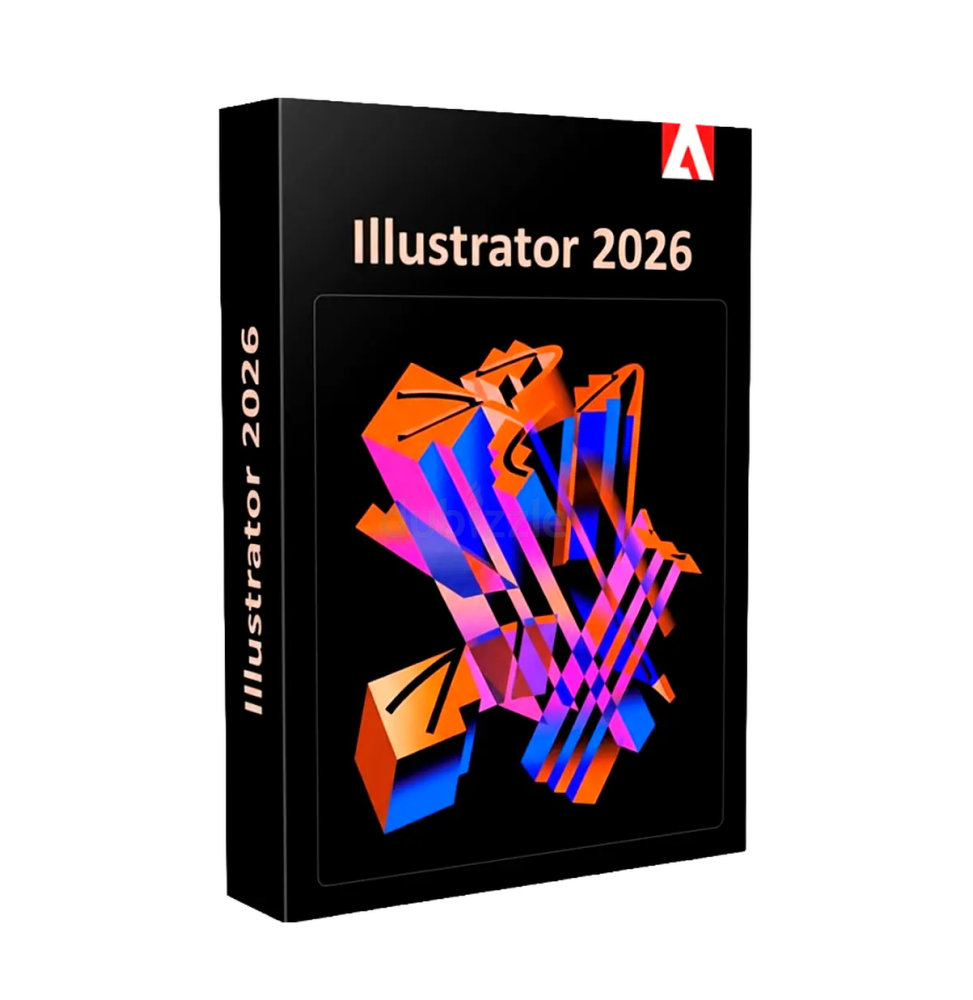
Adobe Illustrator 2026 is a leading professional software in the field of vector graphics, designed for creating illustrations, logos, icons, typography, and graphic content for print, web, and digital devices. Based on an advanced vector system, it allows the creation of scalable images without loss of quality, making it an indispensable tool for designers, illustrators, and visual communication professionals.
Thanks to its precision, flexibility, and integration with the Adobe ecosystem, Illustrator represents a global standard for graphic design, allowing for the management of complex projects with total control over every detail.
Main Features
Adobe Illustrator 2026 offers a complete set of advanced tools for graphic creation:
- High-precision vector graphics: Allows the creation of vector-based shapes, paths, and illustrations, fully scalable without loss of quality. Ideal for logos, branding, and professional graphics.
- Advanced drawing tools: Includes pen, pencil, brushes, and shape tools for creating complex drawings with precision. Supports Bézier curves and detailed path modifications.
- Advanced path management: Allows you to merge, split, transform, and modify vector objects with tools like Pathfinder and Shape Builder.
- Professional typography: Offers complete control over text, with support for OpenType fonts, advanced character management, spacing, alignments, and creation of complex typographic styles.
- Colors, gradients, and effects: Comprehensive color management with RGB, CMYK, and Pantone support. Includes advanced gradients, shades, transparencies, and graphic effects to enrich projects.
- Effects and graphic styles: Ability to apply non-destructive effects, such as shadows, glows, blurs, and distortions, while maintaining the editability of elements.
- Work on multiple artboards: Allows you to manage multiple layouts within the same document, ideal for complex or multi-platform projects.
- AI-based tools: Advanced features allow automatic generation of graphic elements, shape enhancement, and workflow acceleration.
- Precision and advanced alignment: Grids, smart guides, and snapping tools allow precise positioning of elements.
Integration with the Adobe ecosystem
Adobe Illustrator 2026 seamlessly integrates with other Adobe suite software:
- Direct compatibility with Photoshop for raster images
- Integration with InDesign for editorial layouts
- Support for After Effects for vector animations
- Connection with Adobe Fresco for creative drawing
- Use of Creative Cloud for synchronization and sharing
Operating system compatibility
Adobe Illustrator 2026 is compatible with:
- Windows 10 and Windows 11 (64 bit)
- macOS in the most recent supported versions
- Support for Intel and Apple Silicon architectures
Recommended hardware requirements
For optimal performance it is recommended:
- Multi-core processor (Intel Core i5/i7 or equivalent or higher AMD Ryzen)
- Minimum 8 GB RAM (16 GB or more recommended for complex projects)
- Graphics card compatible with hardware acceleration
- SSD disk space with at least 10-15 GB free
- Minimum screen resolution 1920 x 1080 (4K recommended for detailed work)
- Internet connection for activation, updates, and cloud services
What's included
Adobe Illustrator 2026 includes a complete environment for graphic design:
- Advanced tools for vector graphics
- Professional typography management
- Complete system of colors, gradients, and effects
- Support for multiple artboards
- Precision and alignment tools
- AI features for workflow optimization
- Complete integration with the Adobe ecosystem
- Export in standard formats for print and digital
Who it's suitable for
Adobe Illustrator 2026 is particularly suitable for:
- Professional graphic designers
- Illustrators and digital artists
- Communication and marketing agencies
- Web designers and UI/UX designers
- Print and branding studios
- Creatives working on logos, icons, and visual identities
Conclusion
Adobe Illustrator 2026 represents a fundamental tool for creating professional vector graphics. Thanks to its precision, flexibility, and integration with the entire Adobe ecosystem, it allows for the development of complex projects with efficiency and total control.
It's the ideal solution for those who want to create high-quality visual content, ensuring scalable results and perfect for any use, from print to digital.