MICROSOFT PROJECT STANDARD 2016...
$54.85
DISCOUNT -20% - use the code SUNWEEK valid without minimum order



 Immediate digital delivery
Original license
Satisfaction or refund within 30 days
Simple activation
Installation guide included
24/7 support, including on WhatsApp
Reusable in case of formatting
Multilingual
Updates included where provided
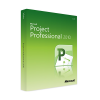
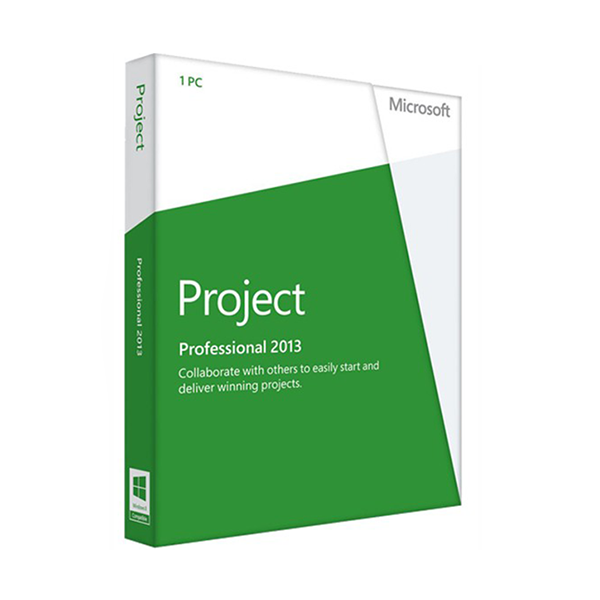
Microsoft Project Professional 2013 is the perfect project management software for planning and running projects in businesses. Use MS Project Professional 2013 to design long-term major projects, share staff, manage resources and present your results in a selection of different diagrams. Microsoft Project 2013 Professional helps you intuitively and powerfully to coordinate projects of all types in your business.
Plan your projects with Microsoft Project Professional 2013
Create projects with MS Project Professional 2013 using popular templates. In each individual project the project management software lets you define processes, set targets and insert milestones. With Microsoft Project 2013 Professional you discover the relationships between different processes, and which of those are really relevant for you to achieve a successful result. Thus Microsoft Project 2013 Professional can simplify even large, confusing projects and display them comprehensibly.
Then use Microsoft Project 2013 Professional to provide details about projects for your staff. MS Project Professional 2013 allows you to establish a link to Exchange or SharePoint servers, providing a simple method of making projects available to the entire company. Among the strengths of the Professional edition of the project management software, alongside the management of multiple projects, are the central planning of resources and access over web services.
Important functions in Microsoft Project Professional 2013
MS Project 2013 Professional also looks familiar with the user interface you know from other Office products. So even very complex projects are intuitive and context-sensitive to manage in Microsoft Project 2013 Professional: the menus always show you the particular functions which are really relevant to the current task. Because the numerous processes in MS Project 2013 Professional run automatically, you save time: Microsoft Project Professional 2013 automatically shows you any conflicts within a project, enabling you to look for a solution fast.
Thanks to MS Project Professional 2013, you always have an overview of all the important criteria for a project: you monitor the costs for a project as well as its run time. You can also define additional purchases necessary for the realisation of your visions in Microsoft Project Professional 2013. All information is correlated in Microsoft Project Professional 2013 so as to show you as quickly as possible whether or not a project is viable.
Attention: Microsoft Project Professional 2013 is not compatible with Microsoft Office 2016!
MS PROJECT PROFESSIONAL 2013 - SYSTEM REQUIREMENTS
Platform
Windows
Required operating system
Windows
Processor
CPU
Memory
RAM
Hard disk
1000GB
10 other products in the same category: