ADOBE LIGHTROOM CLASSIC 2023
$44.72



 Immediate digital delivery
Original license
Satisfaction or refund within 30 days
Simple activation
Installation guide included
24/7 support, including on WhatsApp
Reusable in case of formatting
Multilingual
Updates included where provided
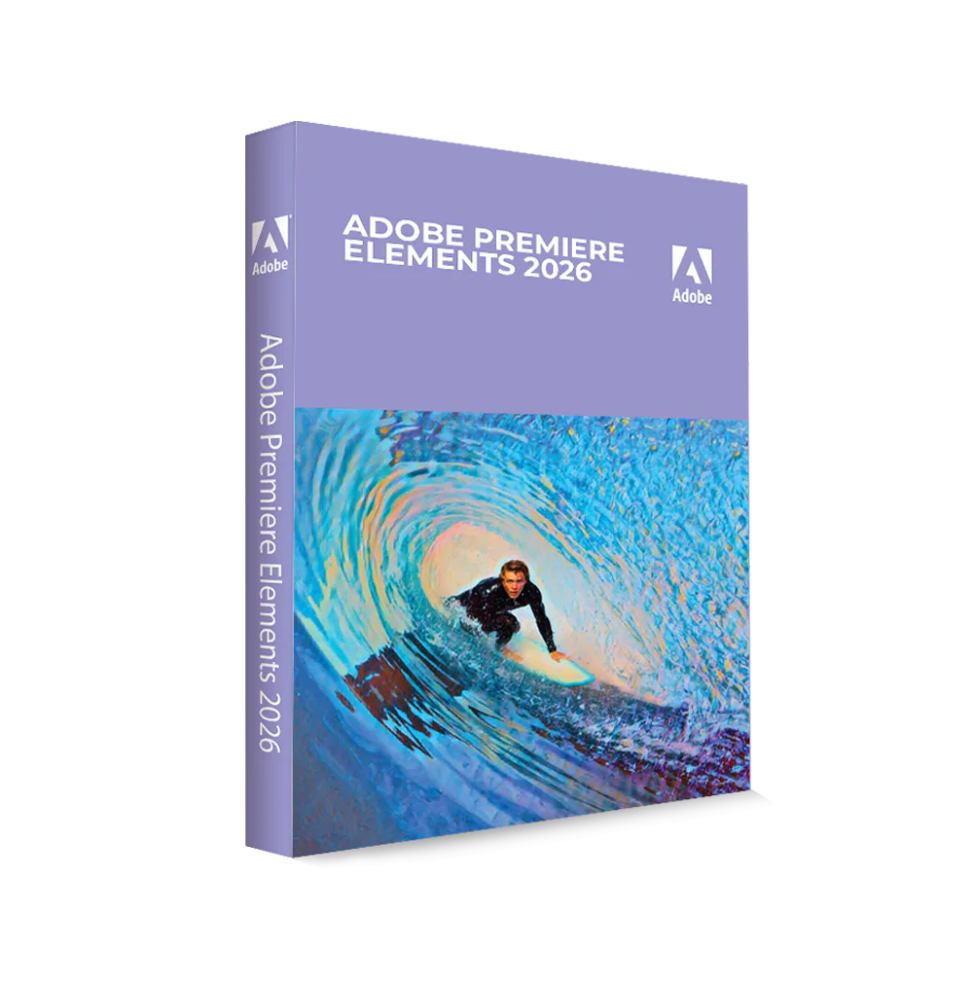
Adobe Premiere Elements 2026 is a video editing software designed to offer powerful tools in a simple and intuitive environment. It is intended for non-professional or semi-professional users, allowing them to create high-quality videos without requiring advanced editing skills. Thanks to the integration of artificial intelligence-based technologies and smart automations, it allows for professional results in less time.
The software represents a simplified version of professional video editing, maintaining the most useful and accessible features for creating content for social media, presentations, personal projects, and digital productions.
Main Features
Adobe Premiere Elements 2026 includes a wide range of tools for creating and editing videos:
Simplified and intuitive video editing Allows you to work on a timeline with essential tools for cutting, joining, organizing, and quickly editing video clips.
Multiple working modes The software offers several modes to adapt to the user's level: - Quick Mode for automatic edits - Guided Mode with step-by-step tutorials - Advanced Mode for greater creative control
Tools based on artificial intelligence Smart features allow for automating complex operations, such as cutting clips, adjusting music length, and optimizing video format.
Video effects and transitions A large library of effects, filters, and transitions to enhance the visual appearance of videos and make them more dynamic.
Animated titles and graphics The ability to add texts, moving titles, and graphic elements to personalize content.
Color correction and video enhancement Tools to adjust brightness, contrast, colors, and details, improving the overall quality of the footage.
Integrated audio management Includes tools to add music, sound effects, and enhance the audio of clips.
Automatic video creation Automatic functions allow for generating highlight reels, slideshows, and video montages from selected content.
Support for advanced content Compatibility with high-definition video, 4K, and immersive content such as 360° video and VR.
Integration and content management
Adobe Premiere Elements 2026 includes tools for managing multimedia files:
Operating system compatibility
Adobe Premiere Elements 2026 is compatible with:
Recommended hardware requirements
For optimal performance during video editing:
What's included
Adobe Premiere Elements 2026 includes a complete environment for video editing:
Who it's suitable for
Adobe Premiere Elements 2026 is particularly suitable for:
Conclusion
Adobe Premiere Elements 2026 represents a complete and accessible solution for video editing, designed to simplify the creative process without sacrificing quality. Thanks to automated features and an intuitive interface, it allows for creating engaging videos quickly and effectively.
It is the ideal choice for those who want to enter the world of video editing or improve their content without dealing with complex tools, offering a perfect balance between simplicity and power.
10 other products in the same category: