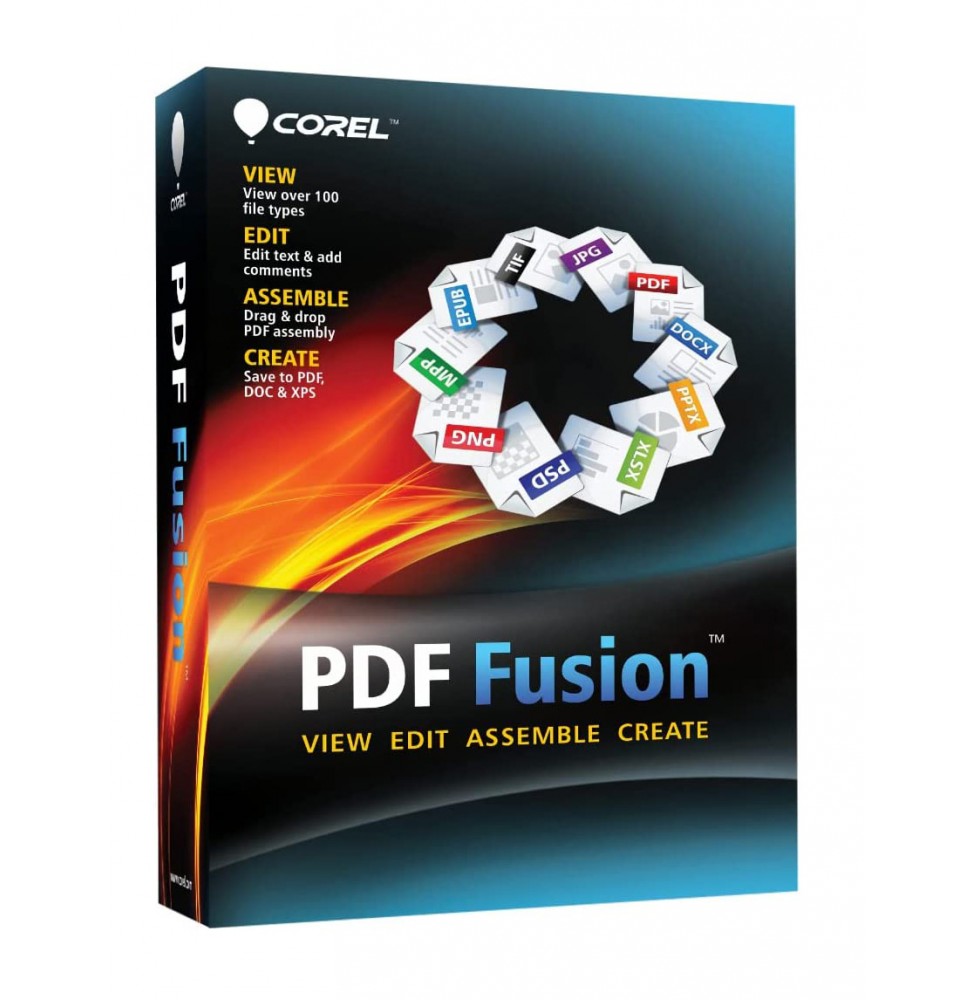

Corel PDF Fusion is a powerful and intuitive software that allows you to create, edit, convert, and combine PDF documents quickly and professionally. Thanks to its drag & drop interface, you can assemble files from various applications into a single document, making it an ideal tool for both business and personal use.
π¦ What the software includes
PDF Document Management β Creating, opening, editing, and saving standard PDF files.
Universal Conversion β Supports over 100 file formats (including DOC, XLS, PPT, JPG, PNG, XPS, RTF, TXT, ODT and many others) quickly converting them into PDF.
Content Editing β Ability to insert, delete or reorder pages in an existing PDF.
Annotations and Comments β Adding notes, highlights, and comments for effective collaboration.
Document Security β Protecting PDFs with passwords and access restrictions.
Compatibility with Standards β Creating PDF/A files for long-term archiving.
Virtual Printing β Includes a print driver that allows you to transform any printable document into PDF.
π§ Main Features
Drag & Drop Assembly β Drag different files and combine them into a single PDF in seconds.
Universal Viewing β Opens documents in over 100 formats without the need for the original software.
Flexible Conversion β Saving not only in PDF, but also in DOC, XLS and XPS for content reuse.
Workflow Optimization β Perfect for reducing the number of software used in the company.
Multilingual Support β Interface available in several languages, including Italian.
π» Operating System Compatibility
Windows 11 and Windows 10 (64 bit) β Fully supported.
macOS β Corel PDF Fusion is not available in a native version for Mac, but can be run through virtualization solutions such as Parallels Desktop or VMware Fusion, installing Windows on macOS.
βοΈ Recommended Hardware Requirements
Operating System: Windows 11, 10, 8.1 or 7 (64 bit).
Processor: Intel or AMD from 1.5 GHz or higher.
RAM: Minimum 2 GB (recommended 4 GB or more).
Disk Space: About 250 MB of free space.
Screen: Minimum resolution 1024 x 768.
Internet Connection: Required for activation and updates.
π― Who it's suitable for
Corel PDF Fusion is perfect for:
Businesses and offices that manage large quantities of documents and need a centralized system of PDF creation and conversion.
Professionals who need to share files in a secure and standardized format.
Students and teachers who want to collect documents of different formats in a single PDF file.
Home users who want a simple and fast tool to manage digital documents.