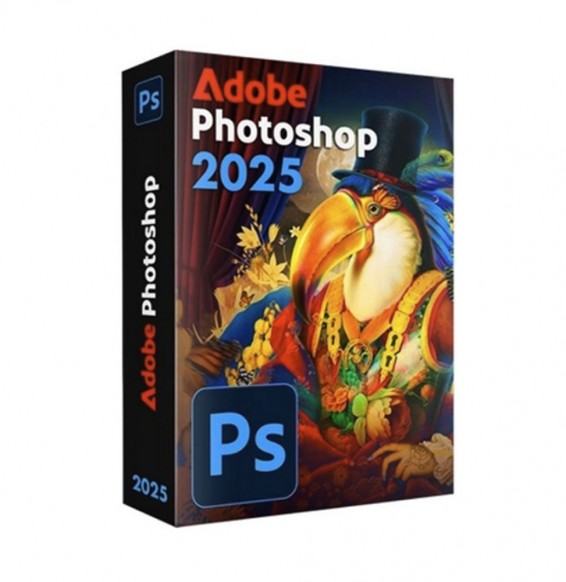
ADOBE PHOTOSHOP 2025
£20.87


 Immediate digital delivery
Original license
Satisfaction guaranteed or refunded within 30 days
Simple activation
Installation guide included
24/7 support including WhatsApp
Reusable in case of formatting
Multilingual
Updates included where applicable
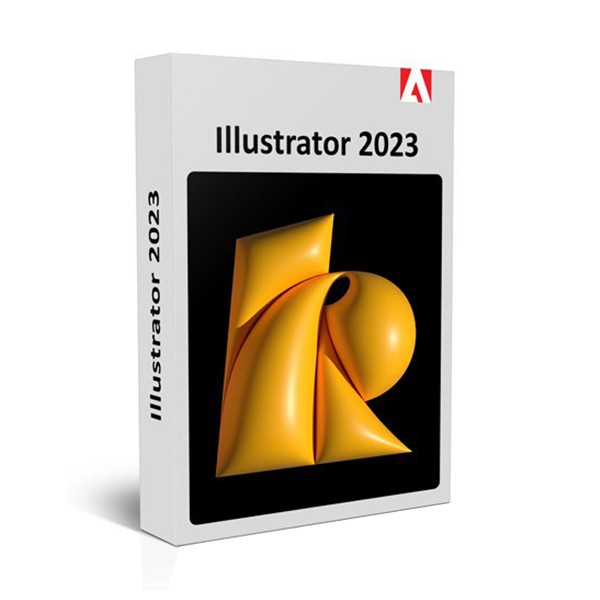
New features ILLUSTRATOR 2023
She intertwines the shapes with ease.
With the Interweave option, you can wrap, entangle, twist, and combine complex design elements.
Search for levels by name, shape, properties, text, and effects.
Maintain the export settings of the PDFs and automatically insert the hyperlinks.
Unlock the primary and secondary touch shortcuts and work comfortably with the alternative actions of a selected tool.
Save and rename the graphic at any time without having to exit the document.
Increase accuracy with snap-in nuances
Easily position the corners of the gradients every 45 degrees to obtain precise and controlled shadows and colors.
Restore the Appearance settings of the graphics to the default style with the new keyboard shortcut.
Minimum requirements
Processor Intel Multicore (with 64-bit support) with SSE 4.2 or later version or AMD Athlon 64 processor with SSE 4.2 or later version.
Operating system Windows 11 and Windows 10 (64 bit) versions V21H1 and V20H2.
Windows Server versions V1607 (2016) and V1809 (2019).
Note: not supported on Windows 10 versions 1507, 1511, 1607, 1703, 1709, 1803, 1809, 1903, 1909 and 2004.
RAM 8 GB of RAM (16 GB recommended)
Hard Drive 2 GB of free disk space for installation; additional free space required during installation; an SSD unit is recommended.
Monitor resolution 1024x768 (recommended: 1920x1080)
10 other products in the same category: