BITDEFENDER TOTAL SECURITY 2025...
€154.99
DISCOUNT -20% - use the code SATWEEK valid without minimum order



 Immediate Digital Delivery
Original License
Satisfaction or Money Back Within 30 Days
Easy Activation
Installation Guide Included
24/7 Support, Including on WhatsApp
Reusable in Case of Formatting
Multilingual
Updates Included Where Applicable
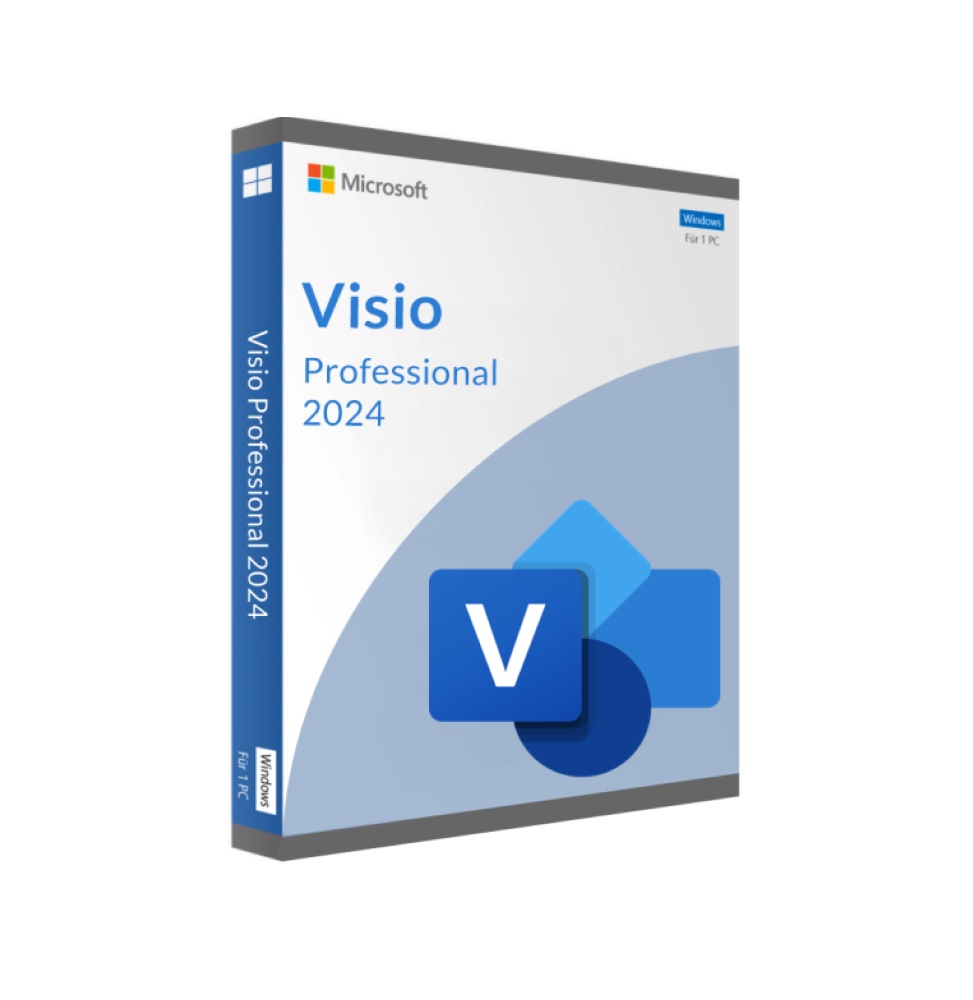
Microsoft Visio Professional 2024 is an advanced diagram creation and visualization tool specifically designed to meet the needs of today's business world. It is the latest version of the proven Visio family and offers enhanced features and an optimized user experience. Visio Professional 2024 allows users to easily create professional diagrams using predefined templates and shapes.
Visio Professional 2024 allows you to create a variety of diagrams, from simple flowcharts to complex network diagrams. The program offers a large library of shapes, templates, and stencils that allow you to quickly create high-quality diagrams.
- Easily create professional diagrams with predefined templates and shapes
- Create and review diagrams based on industry standards such as BPMN 2.0 and UML 2.5.
- Draw and take notes more naturally with your finger or stylus on touch devices
- Create database visualizations using the integrated database model diagrams
- Teamwork: add and respond to comments in Visio
- Link diagrams to real-time data from internal and external sources
Other features of Visio Professional 2024
Flexible Editing
You can edit shapes in existing diagrams without losing the connections between layout and shape. This allows you to easily customize the appearance of your chart without losing the work you have already put in.
Work together at the same time
You can see who is working on which part of the diagram and receive notifications of changes. You can also decide when these changes should be reflected in the main file.
Data Source Support
Visio supports Microsoft Excel workbooks, Microsoft Access databases, Microsoft SharePoint Foundation lists, Microsoft SQL Server databases, Microsoft Exchange Server directories, Azure Active Directory information, and other OLEDB or ODBC data sources.
AutoCAD Support
Possibility to import DWG files, including improved file format support.
Industry Standard Support
Visio's extensive shape library supports Unified Modeling Language (UML) 2.5, Business Process Model and Notation (BPMN) 2.0 and Specification and Description Language (SDL).
Data-based Charts
Automatically generate organization charts from data sources such as Excel, Exchange, or Azure Active Directory.
Simple Data Connection
Connect Visio shapes and diagrams with data from common internal and external sources. Insert data charts or use formatting to reflect changes to the chart data.
Easy and Secure Sharing
Share your diagrams through secure online repositories such as: B. OneDrive for Business and SharePoint.
System Requirements:
Operating System: Windows 11, Windows 10, Windows Server 2019
Processor: 1.6 GHz or faster (Dual Core)
Memory: 4 GB (64 bit), 2 GB (32 bit) RAM
Hard Disk Space: 4 GB available space
Display: resolution 1280 x 768
Graphics: DirectX 10 graphics card for hardware acceleration
10 other products in the same category: