
COREL PAINTSHOP PRO X9
€49.90



 Immediate Digital Delivery
Original License
Satisfaction or Money Back Within 30 Days
Easy Activation
Installation Guide Included
24/7 Support, Including on WhatsApp
Reusable in Case of Formatting
Multilingual
Updates Included Where Applicable
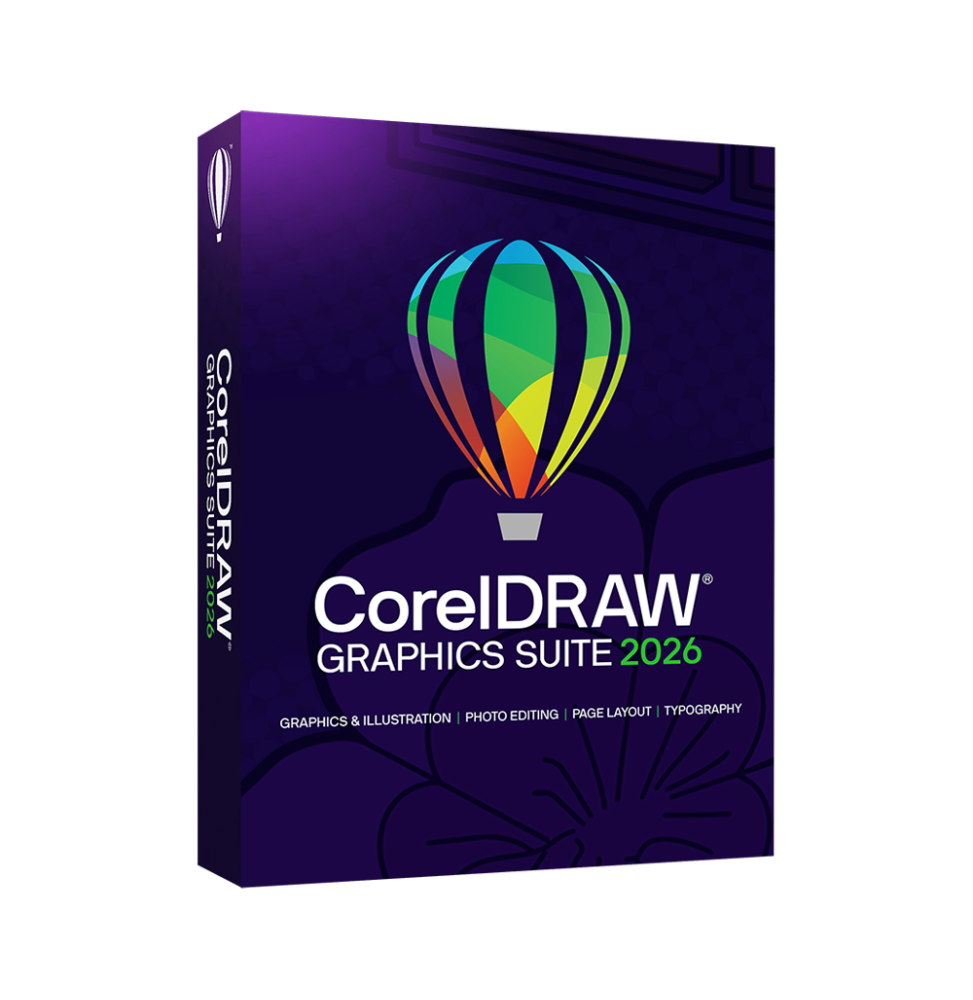
CorelDRAW Graphics Suite 2026 is a comprehensive professional suite for vector graphics, layout, photo editing, and visual design, designed to meet the needs of designers, illustrators, and companies operating in the creative and communication sector. Thanks to an integrated set of applications and advanced tools, it allows you to manage the entire creative process, from design to final production, for both print and digital content.
This suite represents one of the most complete solutions in the professional graphics landscape, offering powerful but accessible tools, with a balance between technical precision, productivity and creativity, enriched by features based on artificial intelligence.
Components included in the suite
CorelDRAW Graphics Suite 2026 includes several integrated professional tools:
CorelDRAW Main software for creating vector graphics, multi-page layouts, logos, illustrations, and visual communication projects.
Corel PHOTO-PAINT Advanced tool for editing raster images, photo retouching, and graphic manipulation.
Corel Font Manager Application dedicated to the management, organization, and optimization of fonts.
Corel CAPTURE (Windows only) Tool for capturing screenshots and visual content.
CorelDRAW Web / CorelDRAW Go Browser-based versions for online design and remote collaboration.
This combination covers every phase of the creative flow, from graphic design to content management and final production.
Main Features
CorelDRAW Graphics Suite 2026 offers a complete set of professional tools for graphic design:
Advanced vector graphics Creation of scalable illustrations, logos, and complex graphics with precision tools based on paths and curves.
Multi-page layout and layout Ability to create brochures, catalogs, flyers, and editorial documents with advanced management of pages and graphic elements.
Professional photo editing Advanced tools for editing raster images, color correction, retouching and photo manipulation.
Advanced typography Complete font management with OpenType support, typographic effects, and text layout tools.
Tools based on artificial intelligence AI features for generating images, automatic background removal, graphic enhancement, and automation of creative processes.
PowerTRACE and raster-vector conversion Automatic transformation of bitmap images into high-quality vector graphics.
Perspective drawing and advanced illustration tools Support for perspective drawing and creation of complex compositions.
Professional color management Support for RGB, CMYK and print standards to ensure color accuracy.
Multi-format export Compatibility with numerous formats, including PDF, SVG, AI, EPS, JPG, PNG, and others.
Integration and workflow
CorelDRAW Graphics Suite 2026 is designed to integrate into professional environments:
Compatibility with Adobe files and other graphic standards Integration with professional print workflow Cloud collaboration and project sharing Support for digital and web workflows
Operating System Compatibility
CorelDRAW Graphics Suite 2026 is compatible with:
Windows 10 and Windows 11 (64 bit) macOS Monterey, Ventura, Sonoma and later versions Access via browser for web functionality
Recommended hardware requirements
For smooth professional use:
Intel Core i3/i5/i7/i9 or equivalent AMD Ryzen processor Minimum RAM of 8 GB (16 GB or more recommended) OpenCL compatible graphics card with at least 3 GB of VRAM Minimum disk space of about 5–6 GB (SSD recommended) Minimum screen resolution 1280 x 720 (Full HD or higher recommended) Mouse, graphics tablet or touch device for greater precision Internet connection for activation, updates, and online services
What's Included
CorelDRAW Graphics Suite 2026 includes:
Vector graphics and layout software Professional raster image editor Font management tools Screenshot capture application (Windows) Web and cloud design tools AI features for automation and creativity Support for professional and digital printing Compatibility with standard graphic formats
Who is it suitable for
CorelDRAW Graphics Suite 2026 is particularly suitable for:
Professional graphic designers Illustrators and digital artists Communication and marketing agencies Print and graphic production studios Companies that produce promotional materials Freelancers and digital creatives
Conclusion
CorelDRAW Graphics Suite 2026 represents a complete and versatile solution for professional graphic design. Thanks to the combination of advanced tools for vector graphics, photo editing, and layout, it allows you to manage complex projects with efficiency and precision.
The integration of modern technologies, including AI-based features and cloud tools, makes this suite an ideal choice for those who want a powerful, flexible creative environment suitable for both digital production and professional printing.
10 other products in the same category: