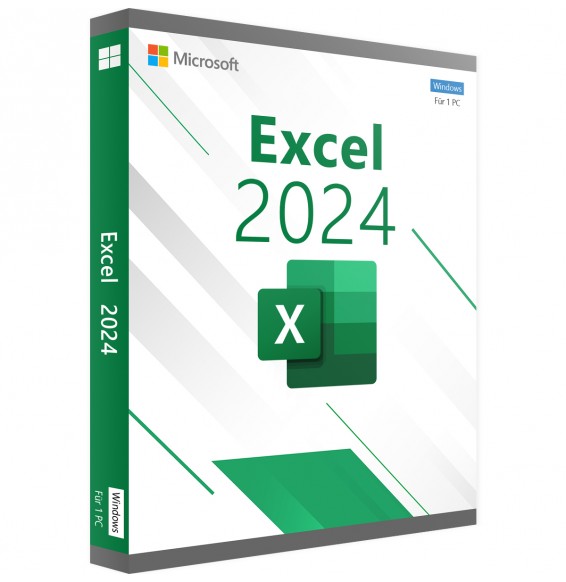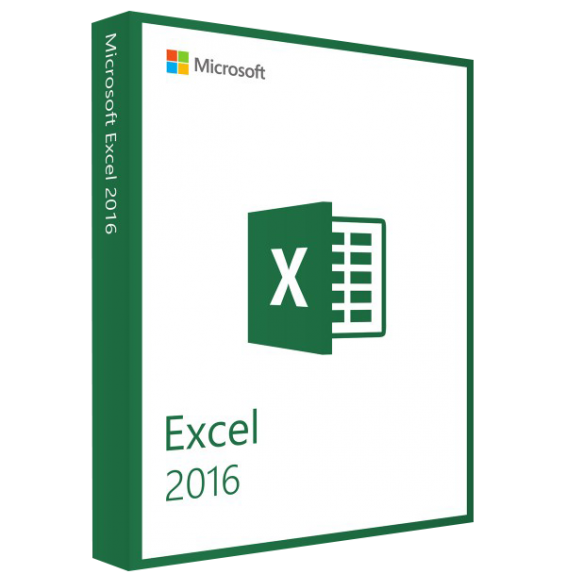
MICROSOFT EXCEL 2016 (MAC)
$16.67
DISCOUNT -20% - use the code 1WEEKvalid without minimum order



 Immediate digital delivery
Original license
Satisfaction or refund within 30 days
Simple activation
Installation guide included
24/7 support, including on WhatsApp
Reusable in case of formatting
Multilingual
Updates included where provided
Excel 2021 for Windows allows you to work collaboratively with others and easily analyze data with new Excel features, including shared creation, dynamic arrays, XLOOKUP, and LET functions.
Co-authoring
You and your colleagues can open and work on the same Excel workbook. This is called co-authoring. When you co-author, you can see each other's changes quickly, in just a few seconds.
Better collaboration with modern comments
Control when you send comments to your co-authors and be productive with a consistent commenting experience across your workbooks and other Office apps.
Visual Update
Work with a modernized startup experience and newly updated tabs in the ribbon. Experience a clean and clear style with monoline iconography, neutral color palette, and softer window corners. These updates communicate action and provide functionality with simple visual elements.
LET Function
The LET function assigns names to calculation results. This allows you to store intermediate calculations, values or define names within a formula. These names only apply within the scope of the LET function.
Similar to variables in programming, LET is implemented through the native formula syntax of Excel
Dynamic Arrays
Write a formula and return an array of values. Speed up calculations and insights with additional new functions: FILTER, SORT, sortby, UNIQUE, SEQUENCE, and RANDARRAY.
XMATCH Function
The XMATCH function searches for a specified item in an array or a range of cells and then returns the relative position of the item.
You can also use XMATCH to return a value in an array
Sheet Views
Create customized views in an Excel worksheet without disturbing others. Minimum requirements: Windows 11 or Windows 10 processor with 1.6 GHz. Memory 4 GB (64 bit), 2 GB (32 bit) of RAM for PC; Hard disk space 4 GB of available disk space for PC; Screen Resolution 1024 x 768 for PC;
7 other products in the same category: