MICROSOFT EXCEL 2019 (WINDOWS)
$43.89



 Immediate digital delivery
Original license
Satisfaction or refund within 30 days
Simple activation
Installation guide included
24/7 support, including on WhatsApp
Reusable in case of formatting
Multilingual
Updates included where provided
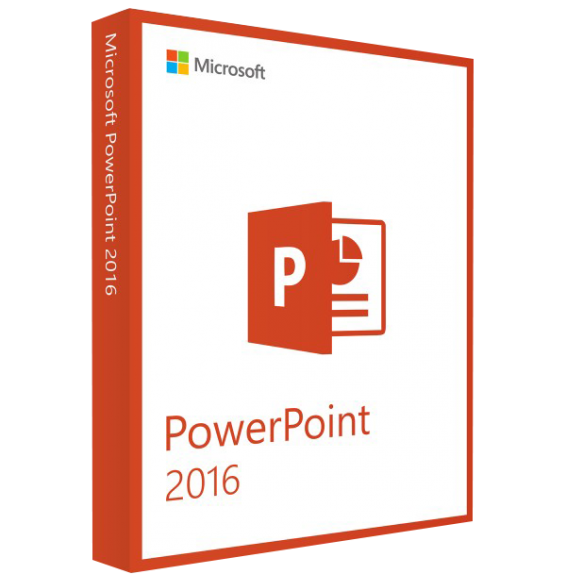
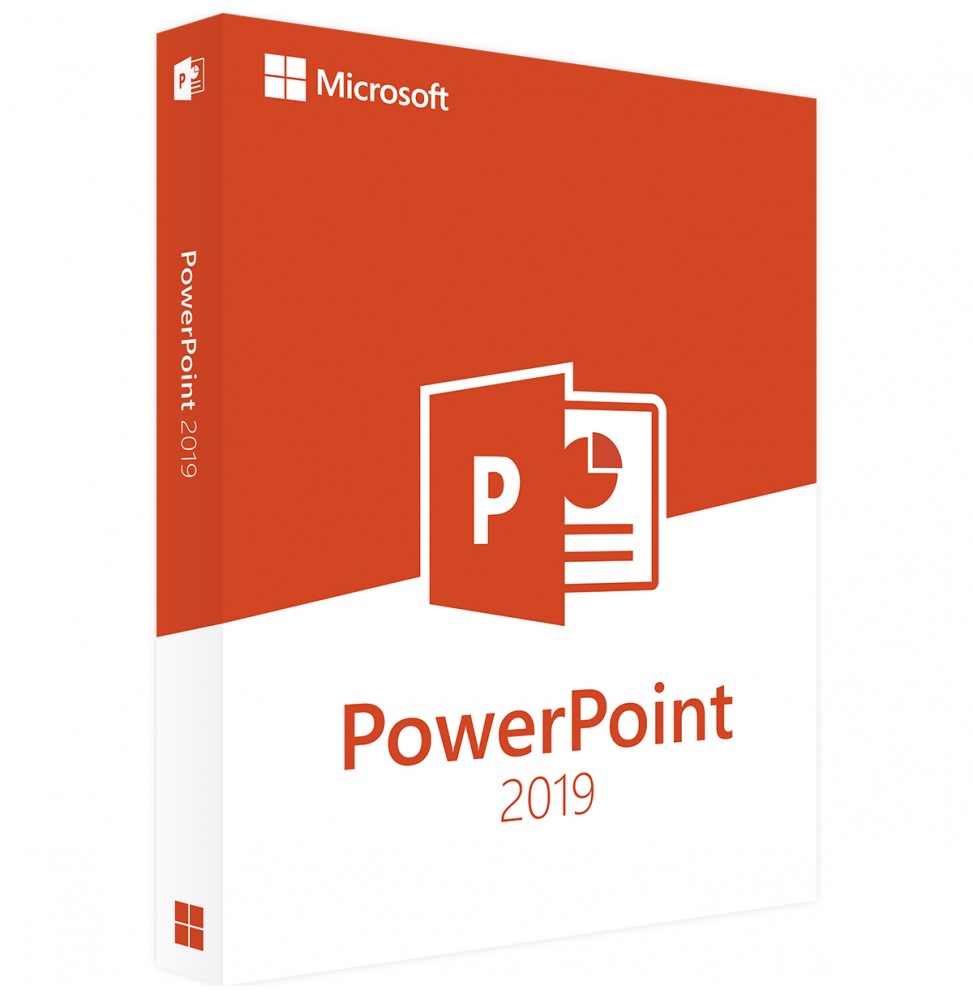
PowerPoint 2019: Creating examples and speed of professional presentations
With Microsoft PowerPoint, you can create professional presentations for various sectors in just a few steps, whether it's for work, a school or university lesson, or a fun private video for a graduation celebration.
The interface used by Microsoft PowerPoint is completely intuitive and allows for different speeds in the menu and functions. Moreover, PowerPoint 2019 offers a sample of design and predefined templates to integrate on your own with the desired content.
Advantages and important aspects of Microsoft PowerPoint 2019
Microsoft PowerPoint is based on other principles. There is a trial period in which you can use the language, even in terms of customization, with easy access to the slides.
Customize the slide and the ordinal in a sequence. Include multimedia elements such as photos, graphics, videos, and audio files to add a musical background to each presentation.
PowerPoint 2019 supports Ultra HD (4K), which allows you to view the presentation with a resolution of 3,840 x 2,160 pixels at the highest quality.
For a professional presentation, you can switch between all devices successfully with a simple click of the mouse. To save the slides, you can also use them with a digital pen.
To use PowerPoint and get the best features, Microsoft has integrated a Windows format. This shows step by step how to edit slides and layouts, how to integrate texts and tables or how to add images and graphs.
Are you using Microsoft PowerPoint with your partner or university colleague? Then you will find interesting features for configuration and collaboration. You can access the presentation with a simple click or save it in a Cloud like OneDrive and then share it. It is also possible to collaborate in a contemporary environment.
It's possible to record a presentation. Move from one slide to another with a simple click and add your audio commentary to the recording to achieve a highly professional presentation.
System Requirements for Microsoft PowerPoint 2019
Processor: Dual Core of at least 1.6 GHz
Memory (RAM): 32bit: 2GB; 64bit: 4GB
Hard disk space: 4GB
Graphics card and display: 1,024 x 768 pixels; Graphics plan with support for DirectX 10 through hardware graphic acceleration
Operating system: Windows 10, 11
10 other products in the same category: