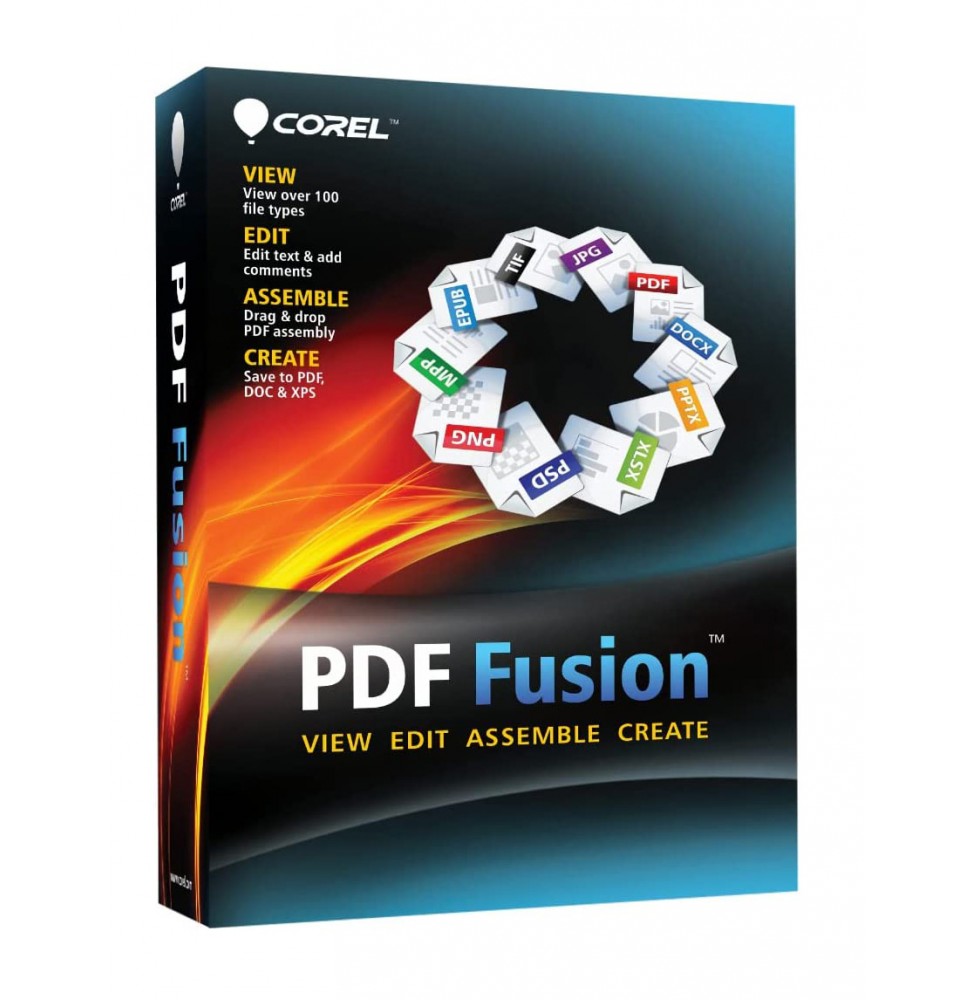
Corel PDF Fusion is a powerful and intuitive software that allows you to create, edit, convert, and combine PDF documents quickly and professionally. Thanks to its drag & drop interface, you can assemble files from various applications into a single document, making it an ideal tool for both business and personal use.
π¦ What the software includes
PDF Document Management β Creation, opening, editing, and saving of standard PDF files.
Universal Conversion β Supports more than 100 file formats (including DOC, XLS, PPT, JPG, PNG, XPS, RTF, TXT, ODT, and many others) quickly converting them into PDF.
Content Editing β Ability to insert, delete, or reorder pages in an existing PDF.
Annotations and comments β Adding notes, highlights, and comments for effective collaborations.
Document Security β Protecting PDFs with passwords and access restrictions.
Compatibility with standards β Creating PDF/A files for long-term archiving.
Virtual Printing β Including a print driver that can convert any printable document into a PDF.
π§ Main Features
Drag & Drop Assembly β Drag different files and combine them into a single PDF in a few seconds.
Universal Viewing β Opens documents in over 100 formats without needing the original software.
Flexible Conversion β Saves not only in PDF, but also in DOC, XLS, and XPS for content reuse.
Workflow Optimization β Perfect for reducing the number of software used in a company.
Multilingual Support β Interface available in several languages, including Italian.
π» Operating System Compatibility
Windows 11 and Windows 10 (64 bit) β fully supported.
macOS β Corel PDF Fusion is not available in a native version for Mac, but it can be run through virtualization solutions such as Parallels Desktop or VMware Fusion, by installing Windows on macOS.
βοΈ Recommended Hardware Requirements
Operating System: Windows 11, 10, 8.1, or 7 (64 bit).
Processor: Intel or AMD at 1.5 GHz or higher.
RAM: minimum 2 GB (4 GB or more recommended).
Disk Space: about 250 MB of free space.
Screen: minimum resolution 1024 x 768.
Internet Connection: required for activation and updates.
π― Who it's suitable for
Corel PDF Fusion is perfect for:
Businesses and offices that manage large amounts of documents and need a centralized system for creating and converting PDFs.
Professionals who need to share files in a secure and standardized format.
Students and teachers who want to collect documents of different formats into a single PDF file.
Home users who want a simple and fast tool to manage digital documents.