ADOBE PREMIERE 2022 (WINDOWS)
$43.71



 Immediate digital delivery
Original license
Satisfaction or refund within 30 days
Simple activation
Installation guide included
24/7 support, including on WhatsApp
Reusable in case of formatting
Multilingual
Updates included where provided
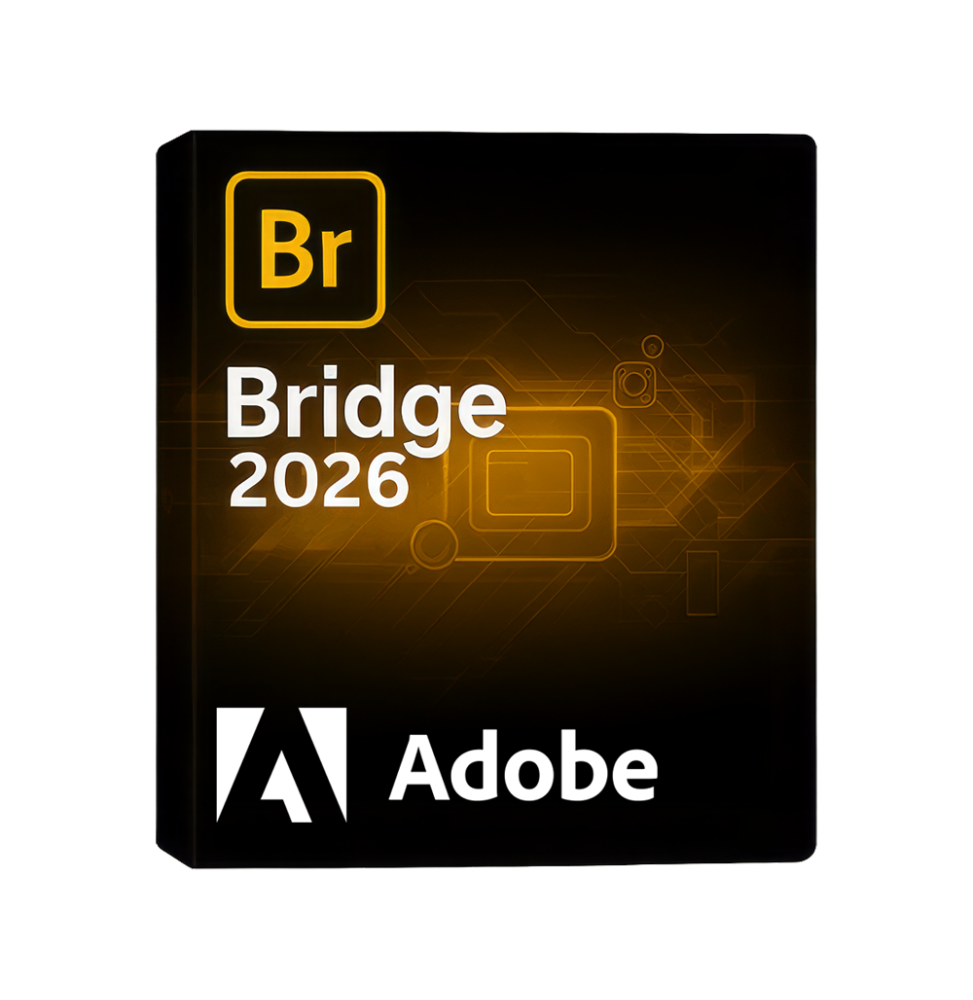
Adobe Bridge 2026 is a powerful digital content management and organization software (Digital Asset Management) developed to simplify creative workflow. It allows you to view, catalog, edit, and manage multimedia files quickly and efficiently, without the need to import them into a database. It is an essential tool for photographers, designers, filmmakers, and professionals working with large amounts of files.
Bridge serves as the central hub for the Adobe ecosystem, allowing you to link and organize content from different software such as Photoshop, Illustrator, InDesign, and other creative tools, significantly improving productivity and project management.
Main Features
Adobe Bridge 2026 offers a wide range of tools for advanced file management:
File Management and Organization: Allows you to browse local and network folders, view previews, and organize files without needing to import them. Supports images, videos, audio, PDFs, and native Adobe files.
Advanced Previews and Viewing: Allows you to view high-quality previews, even for RAW files and complex multimedia content, with the possibility of zooming, comparing, and full-screen viewing.
Metadata Management: Allows you to view, edit, and apply metadata (EXIF, IPTC) to files. You can add information such as author, copyright, keywords, and descriptions.
Keyword and Tagging System: Allows you to classify files through labels, star ratings, and custom keywords, facilitating the search and organization of large archives.
Advanced Search and Filters: Powerful tools to quickly filter and find files based on name, type, date, metadata, or specific attributes.
Batch processing: Allows you to rename files in bulk, convert formats, apply metadata, and automate repetitive operations on multiple files at once.
Integration with Adobe Camera Raw: Allows you to edit RAW images directly in Bridge, with non-destructive adjustments of exposure, color, contrast, and other parameters.
Creation of Collections and Selections: Possibility to create virtual collections without physically moving the files, useful for organizing projects and temporary selections.
Centralized Resource Management: Ideal for maintaining an orderly and consistent archive, especially in professional environments with large amounts of content.
Integration with the Adobe ecosystem
Adobe Bridge 2026 is designed to work in perfect synergy with other Adobe software:
Direct opening of files in Photoshop, Illustrator, InDesign, and other tools
Immediate access to shared files and resources
Application of consistent settings and metadata across different software
Integration with Adobe Camera Raw for photo editing
Operating System Compatibility
Adobe Bridge 2026 is compatible with:
Windows 10 and Windows 11 (64 bit)
macOS in the most recent supported versions
Support for Intel and Apple Silicon architectures
Recommended Hardware Requirements
For a smooth use of the software, the following configuration is recommended:
Multi-core processor (Intel Core i5/i7 or AMD Ryzen equivalent or higher)
Minimum 8 GB of RAM (16 GB recommended for large archives)
Graphics card compatible with hardware acceleration (recommended but not mandatory)
SSD disk space with at least 5–10 GB free
Minimum screen resolution 1280 x 800 (1920 x 1080 or higher recommended)
Internet connection for updates and integration with Adobe services
What's Included
Adobe Bridge 2026 includes a complete set of tools for managing digital content:
Viewing and organizing multimedia files
Support for RAW images, video, audio, and documents
Advanced metadata management
Tagging, rating, and classification system
Advanced search and intelligent filters
Batch processing tools
Integration with Adobe Camera Raw
Direct link with the Adobe ecosystem
Who It's Suitable For
Adobe Bridge 2026 is particularly suitable for:
Professional and advanced amateur photographers
Graphic designers and digital creatives
Filmmakers and content creators
Creative studios and communication agencies
Companies that manage complex multimedia archives
Conclusion
Adobe Bridge 2026 represents an essential tool for the organized and efficient management of digital content. Thanks to its flexibility, the ability to work without import, and integration with the entire Adobe ecosystem, it allows you to optimize workflows and improve productivity. It is the ideal solution for those who need complete control over their files, maintaining order, speed, and precision in the management of large amounts of digital resources.
10 other products in the same category: