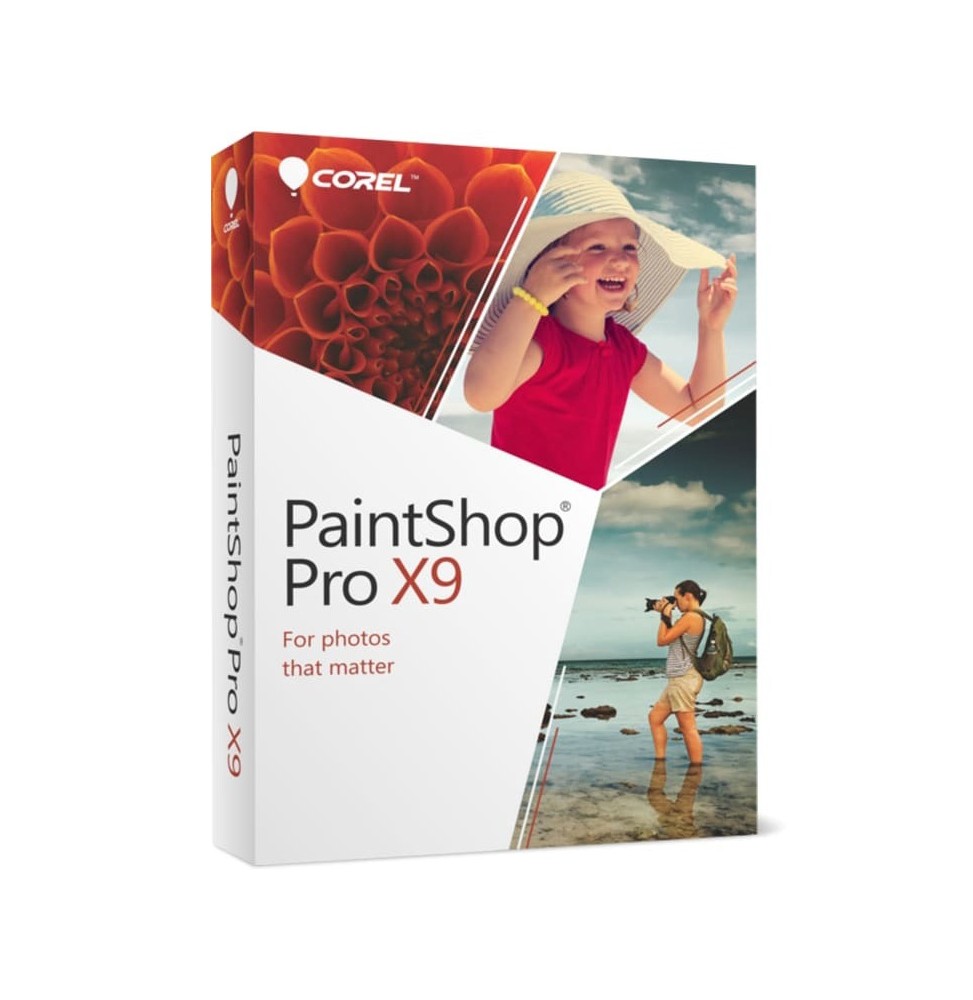
COREL PAINTSHOP PRO X9
Immediate digital delivery
Original license
Satisfaction guaranteed or money back within 30 days
Easy activation
Guide included for installation
24/7 support, including on WhatsApp
Reusable in case of formatting
Multilingual
Updates included where applicable
Excellent
2,281 total reviews-
Ho comprato un programma da Macrosoft pur sapendo di poterlo trovare a minor prezzo confidando nell'assistenza che già avevo avuto modo di provare. Mi hanno pienamente soddisfatto risolvendo dei problemi (di mia responsabilità) in modo professionale e in breve tempo. Comprerò ancora da loro che ringrazio pubblicamente
-
tutto perfetto
-
Molto positiva. Assistenza efficiente e disponobile
-
TUTTO BENE, VELOCISSIMI NELL'INVIO PROGRAMMA. INSTALLATO, TUTTO FUNZIONA, NESSUN PROBLEMA. GRAZIE
-
Perfetto proprio quello che mi serviva
-
Ottimo!
COREL PAINTSHOP PRO X9
Corel PaintShop Pro X9 is a comprehensive photo editing and digital graphics software, designed to offer users a powerful and accessible alternative to more complex photo editing programs. Thanks to its advanced but intuitive tools, it allows you to transform images, create graphic projects and produce professional-quality processing.📦 What the software includes
- Advanced photo editor – Tools for retouching, correcting and automatically enhancing images.
- Creative tools – Brushes, textures, and filters to add an artistic touch to photos.
- Layer management – Multilayer support for complex compositions.
- HDR and photo merging – Creation of high dynamic range images by combining multiple shots.
- Scripts and automations – To speed up workflow and apply changes to series of images.
- RAW support – Opening and processing of RAW files from digital cameras.
- Selection and cropping modules – Smart tools to remove backgrounds or isolate subjects.
- Integration with plugins – Compatibility with external plugins to expand functions.
- Graphic tools – Functions to create banners, web graphics, cards, and customized visual content.
🔧 Main features
- Quick corrections – Automatic adjustments for color balance, brightness and contrast.
- Advanced retouching – Removal of imperfections, red eyes, lens distortions and noise.
- Artistic photo editing – A wide range of special effects, filters and creative brushes.
- Batch processing – Simultaneous application of changes to multiple images.
- Extended compatibility – Support for formats such as PSD, PNG, JPG, TIFF and GIF.
- Graphic design tools – Creation of layouts and compositions for print and web.
💻 Operating system compatibility
- Windows 10 and Windows 11 (64 bit) – fully supported.
- macOS – Corel PaintShop Pro X9 is not available in a native version for Mac, but can be run via virtualization with Parallels Desktop or VMware Fusion, installing Windows on macOS.
⚙️ Recommended hardware requirements
- Operating system: Windows 10/11 (64 bit).
- Processor: Intel Core i3 or higher / AMD equivalent (i5/i7 recommended for complex projects).
- RAM: minimum 4 GB (8 GB or more recommended).
- Graphics card: compatible with DirectX 9 or higher with at least 512 MB VRAM.
- Disk space: about 1.5 GB free.
- Screen: minimum resolution 1280 x 768 (1920 x 1080 recommended).
- Internet Connection: necessary for activation and updates.
🎯 Who it is suitable for
Corel PaintShop Pro X9 is ideal for:- Amateur and professional photographers who need a powerful but intuitive editor.
- Graphic designers and digital creatives who want design tools for web and print.
- Businesses and offices that need reliable software for photo processing.
- Students and hobbyists who want to improve their photos and create artistic projects.
10 other products in the same category:
CorelDRAW Graphics Suite 2024...
COREL PAINTER ESSENTIALS 8
CORELDRAW GRAPHICS SUITE 2025...
CORELDRAW TECHNICAL SUITE 2026
COREL PAINTER 2023 (Windows - Mac)
COREL PHOTOMIRAGE
CORELDRAW GRAPHICS SUITE 2023 (MAC)
COREL PDF FUSION