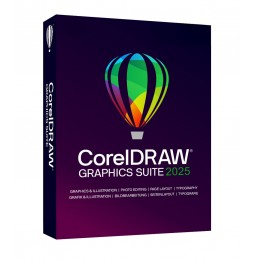
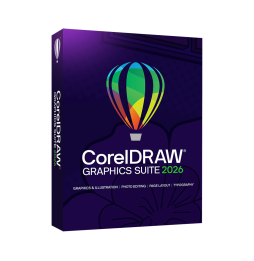
CORELDRAW GRAPHICS SUITE 2026
$29,572.27
DISCOUNT -20% - use the code SUNWEEK valid without minimum order



 Immediate digital delivery
Original license
Satisfaction guaranteed or money back within 30 days
Easy activation
Guide included for installation
24/7 support, including on WhatsApp
Reusable in case of formatting
Multilingual
Updates included where applicable
Ho comprato un programma da Macrosoft pur sapendo di poterlo trovare a minor prezzo confidando nell'assistenza che già avevo avuto modo di provare. Mi hanno pienamente soddisfatto risolvendo dei problemi (di mia responsabilità) in modo professionale e in breve tempo. Comprerò ancora da loro che ringrazio pubblicamente
tutto perfetto
Molto positiva. Assistenza efficiente e disponobile
TUTTO BENE, VELOCISSIMI NELL'INVIO PROGRAMMA. INSTALLATO, TUTTO FUNZIONA, NESSUN PROBLEMA. GRAZIE
Perfetto proprio quello che mi serviva
Ottimo!
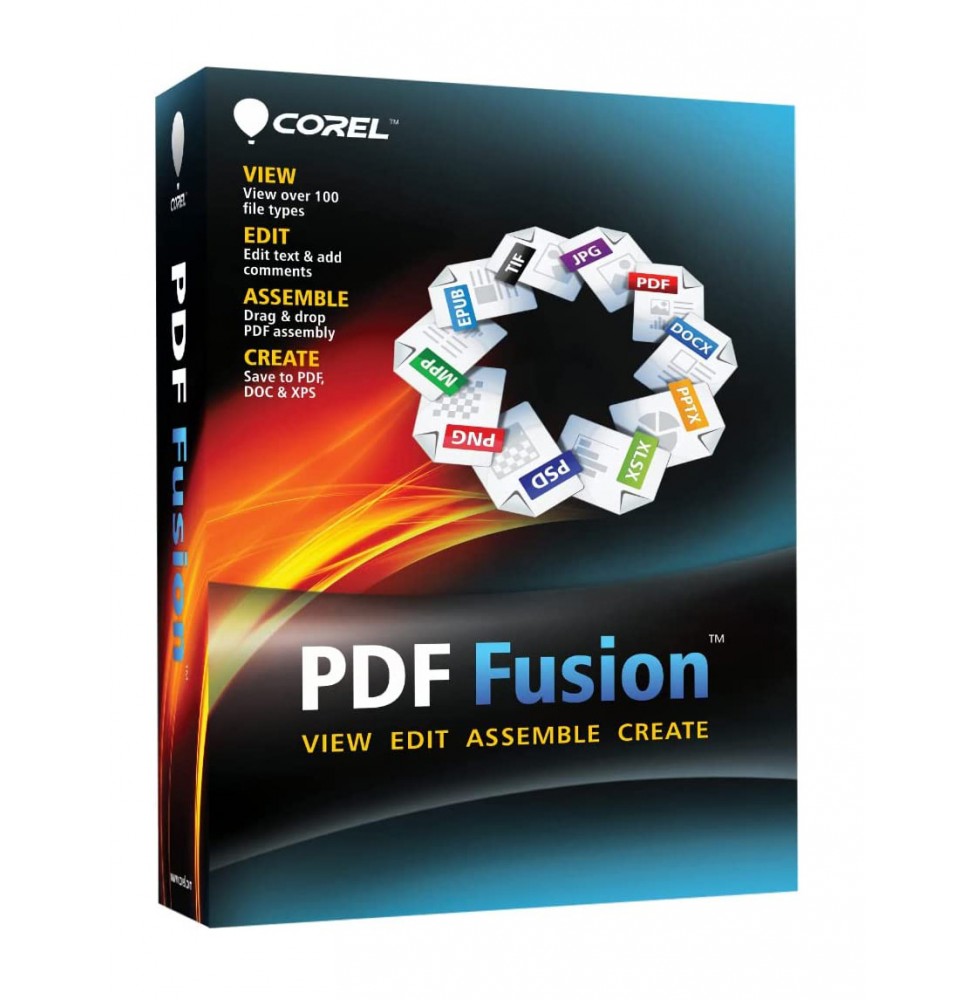
Corel PDF Fusion is a powerful and intuitive software that allows you to create, edit, convert and combine PDF documents quickly and professionally. Thanks to its drag & drop interface, you can assemble files from various applications into a single document, making it an ideal tool for both business and personal use.
PDF Document Management – Creating, opening, editing, and saving standard PDF files.
Universal Conversion – Supports over 100 file formats (including DOC, XLS, PPT, JPG, PNG, XPS, RTF, TXT, ODT and many others) quickly converting them into PDF.
Content Editing – Ability to insert, delete or rearrange pages in an existing PDF.
Annotations and Comments – Adding notes, highlights and comments for effective collaborations.
Document Security – Protecting PDFs with passwords and access restrictions.
Standard Compatibility – Creating PDF/A files for long-term storage.
Virtual Printing – Includes a print driver that allows you to turn any printable document into PDF.
Drag & Drop Assembly – Drag different files and combine them into a single PDF in seconds.
Universal Viewing – Opens documents in over 100 formats without the need for the original software.
Flexible Conversion – Saving not only in PDF, but also in DOC, XLS and XPS for content reuse.
Workflow Optimization – Perfect for reducing the number of software used in the company.
Multilingual Support – Interface available in several languages, including Italian.
Windows 11 and Windows 10 (64 bit) – fully supported.
macOS – Corel PDF Fusion is not available in a native version for Mac, but it can be run through virtualization solutions such as Parallels Desktop or VMware Fusion, by installing Windows on macOS.
Operating System: Windows 11, 10, 8.1 or 7 (64 bit).
Processor: Intel or AMD 1.5 GHz or higher.
RAM: minimum 2 GB (recommended 4 GB or more).
Disk Space: about 250 MB of free space.
Screen: minimum resolution 1024 x 768.
Internet Connection: required for activation and updates.
Corel PDF Fusion is perfect for:
Businesses and offices that manage large amounts of documents and need a centralized system of PDF creation and conversion.
Professionals who need to share files in a secure and standardized format.
Students and teachers who want to collect documents of different formats in a single PDF file.
Home users who want a simple and fast tool to manage digital documents.
10 other products in the same category: