BITDEFENDER SMALL OFFICE...
$24,718.35


 Immediate digital delivery
Original license
Satisfaction guaranteed or money back within 30 days
Easy activation
Guide included for installation
24/7 support, including on WhatsApp
Reusable in case of formatting
Multilingual
Updates included where applicable
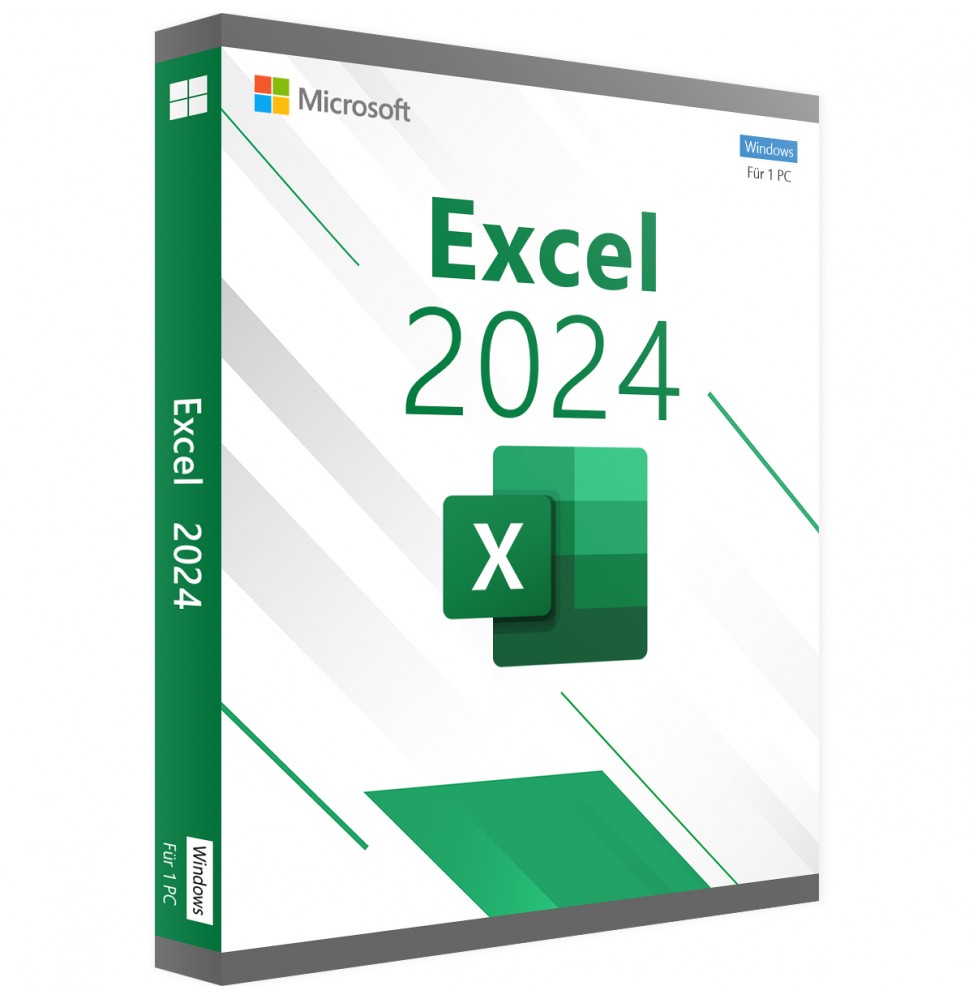
Microsoft Excel is the well-known spreadsheet from Microsoft that has been thrilling both professional and private users for decades. With many features and surprisingly simple operation, it leaves almost nothing to be desired in everyday life, and the latest 2024 version also boasts significant innovations.
Excel 2024 allows you to analyze data quickly and accurately using these new features: dynamic charts, improved accessibility, new text and array functions, faster workbooks, and much more.
If you upgrade to Excel 2024 from Excel 2021, you will still have all the features you are used to and you will also notice some new ones.
Dynamic charts with dynamic matrices
Now in Excel 2024, it is now possible to reference dynamic arrays in charts to display variable length data sets. The charts are automatically updated to capture all the data when the array is recalculated, instead of being fixed to a specific number of data points.
Improved accessibility features
All the necessary tools have been added to create an accessible workbook in one location using the Accessibility multifunction bar in Excel. The multifunction bar brings together the fixes for the most common accessibility issues in one place, along with explanations for each problem.
Text and Matrix Functions
There are now 14 new text and matrix functions available in Excel 2024, designed to facilitate the manipulation of text and matrices in worksheets. These functions simplify the extraction and splitting of text strings and allow you to easily combine, reshape, resize, and select matrices.
Blocking of XLL add-ons by default
We've added a new default setting for Excel 2024, which blocks XLL add-ins from the Internet and helps protect you and your data from attacks that distribute malware to unsuspecting victims.
System Requirements
10 other products in the same category: