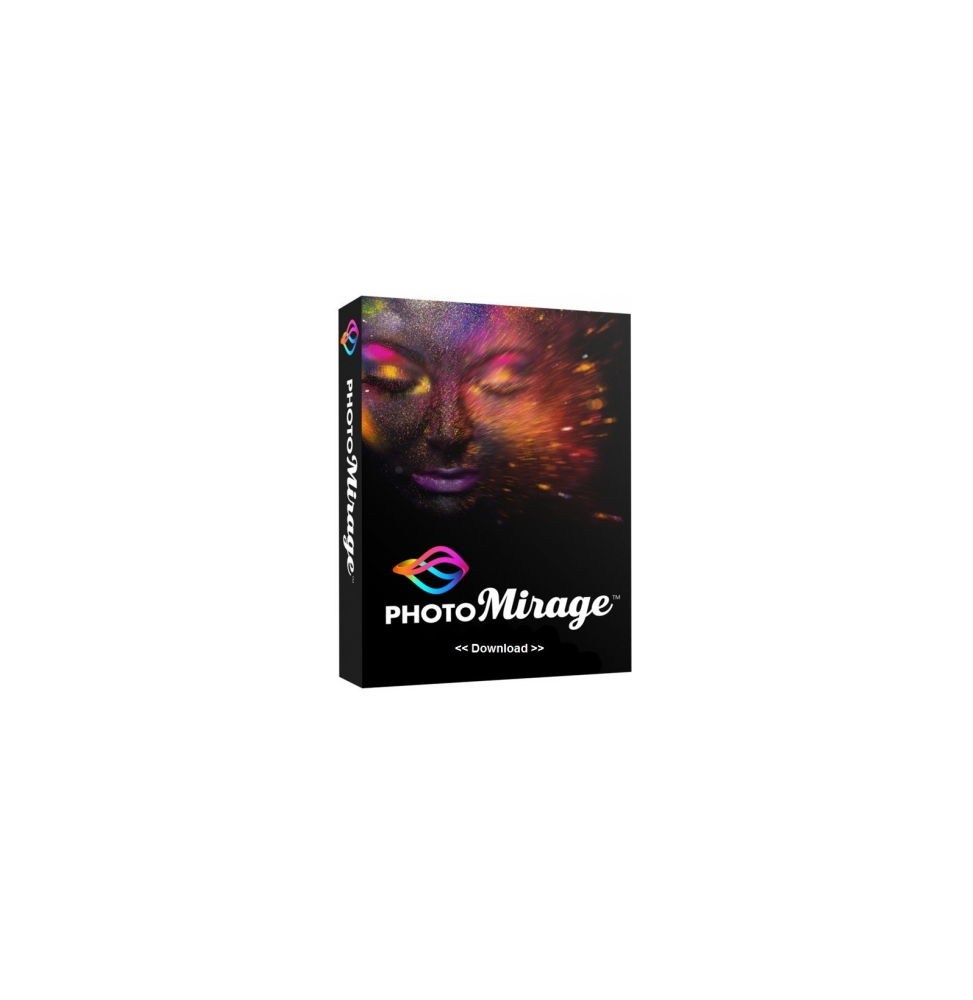
COREL PHOTOMIRAGE
Immediate digital delivery
Original license
Satisfaction guaranteed or money back within 30 days
Easy activation
Guide included for installation
24/7 support, including on WhatsApp
Reusable in case of formatting
Multilingual
Updates included where applicable
Excellent
2,281 total reviews-
Ho comprato un programma da Macrosoft pur sapendo di poterlo trovare a minor prezzo confidando nell'assistenza che già avevo avuto modo di provare. Mi hanno pienamente soddisfatto risolvendo dei problemi (di mia responsabilità) in modo professionale e in breve tempo. Comprerò ancora da loro che ringrazio pubblicamente
-
tutto perfetto
-
Molto positiva. Assistenza efficiente e disponobile
-
TUTTO BENE, VELOCISSIMI NELL'INVIO PROGRAMMA. INSTALLATO, TUTTO FUNZIONA, NESSUN PROBLEMA. GRAZIE
-
Perfetto proprio quello che mi serviva
-
Ottimo!
📦 What the software includes
- Animation tool – Create motion effects by simply dragging arrows on the selected areas of the image.
- Masks and anchors – Lock parts of the image to keep elements static while others come to life.
- Advanced speed control – Adjust the intensity and fluidity of the motion with extreme precision.
- Flexible export – Save projects in various formats, including animated GIFs, MP4 and WMV videos, for maximum compatibility.
- Intuitive interface – Simplified workflow in 3 steps (Select → Animate → Export).
- Content libraries – Includes examples, guides and resources to quickly learn animation techniques.
🔧 Main features
- Quick photo animations – Transform static photos into dynamic images in just a few minutes.
- Creative tools – Movement points, anchors and masks for total control.
- Optimized export – Create files suitable for social networks, websites, advertising or multimedia presentations.
- Drag & drop interface – Simple to use even for those without advanced graphic skills.
- Compatibility with high-resolution images – Supports large photo files without loss of quality.
💻 Operating system compatibility
- Windows 11 and Windows 10 (64 bit) – fully supported.
- macOS – Corel PhotoMirage is not available in a native version for Mac. However, it can be used through virtualization with Parallels Desktop or VMware Fusion, installing Windows on macOS.
⚙️ Recommended hardware requirements
- Operating system: Windows 11 or Windows 10 (64 bit).
- Processor: Intel Core i3 or higher / AMD equivalent.
- RAM: minimum 4 GB (8 GB recommended for more complex animations).
- Disk space: about 500 MB free.
- Graphics card: compatible with DirectX 9 or higher.
- Screen: minimum resolution 1366 x 768 (recommended 1920 x 1080).
- Internet connection: required for activation and updates.
🎯 Who it's suitable for
Corel PhotoMirage is ideal for:- Content creators and social media managers who want to create dynamic and engaging posts.
- Advertising agencies that need animated images for digital campaigns.
- Photographers and artists who want to give new life to their shots.
- Companies and trainers who create engaging multimedia presentations.
- Home users who want to animate personal photos and share them on social media.
10 other products in the same category:
COREL PAINTER 2023 (Windows - Mac)
CORELDRAW GRAPHICS SUITE 2026
COREL DRAW - GRAPHICS SUITE 2018
CorelDRAW Graphics Suite 2024...
CORELDRAW TECHNICAL SUITE 2024...
CORELDRAW GRAPHICS SUITE 2025...
COREL PAINTSHOP PRO X9
COREL DRAW - CORELCAD 2020